

A target for
the everyday.
Set clear targets for your categories or spending rules. Follow each line and see what's left.
Keep it simple.A plan that fits your life. A little intelligence to keep it moving. Meet a whole new way to budget—and the automations that give you time back.
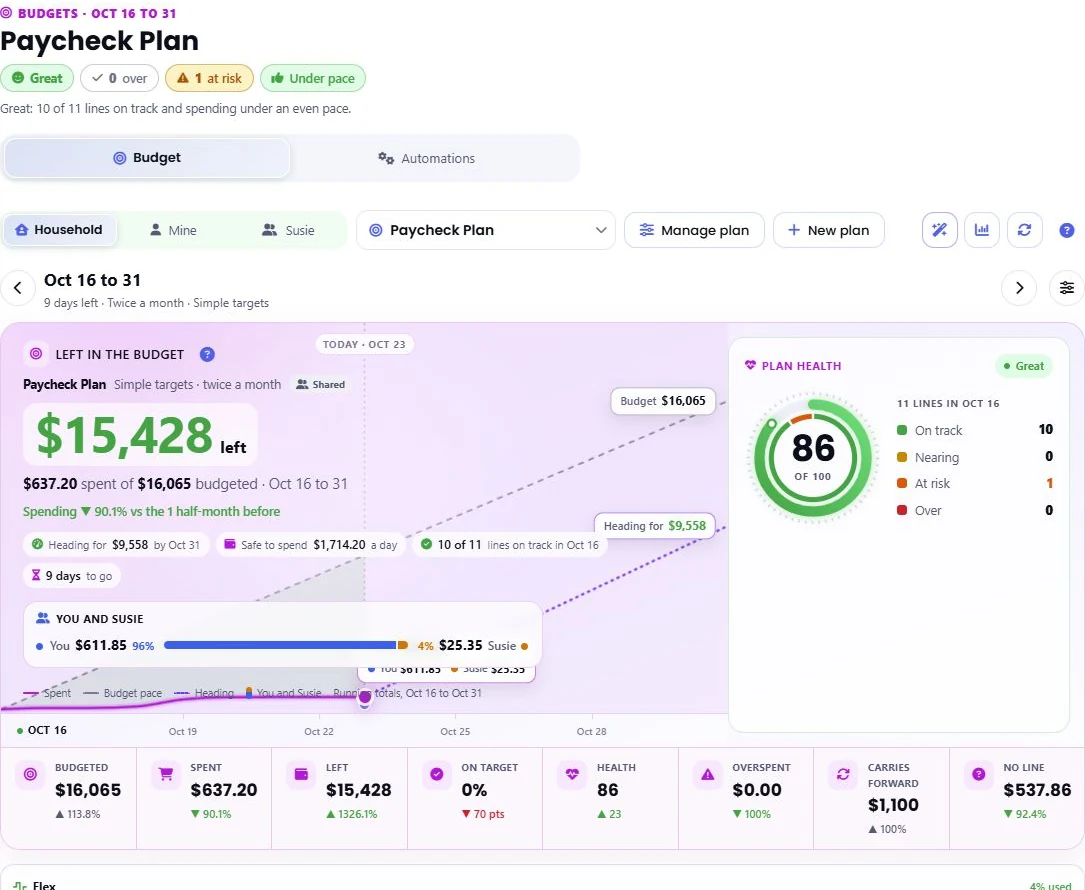
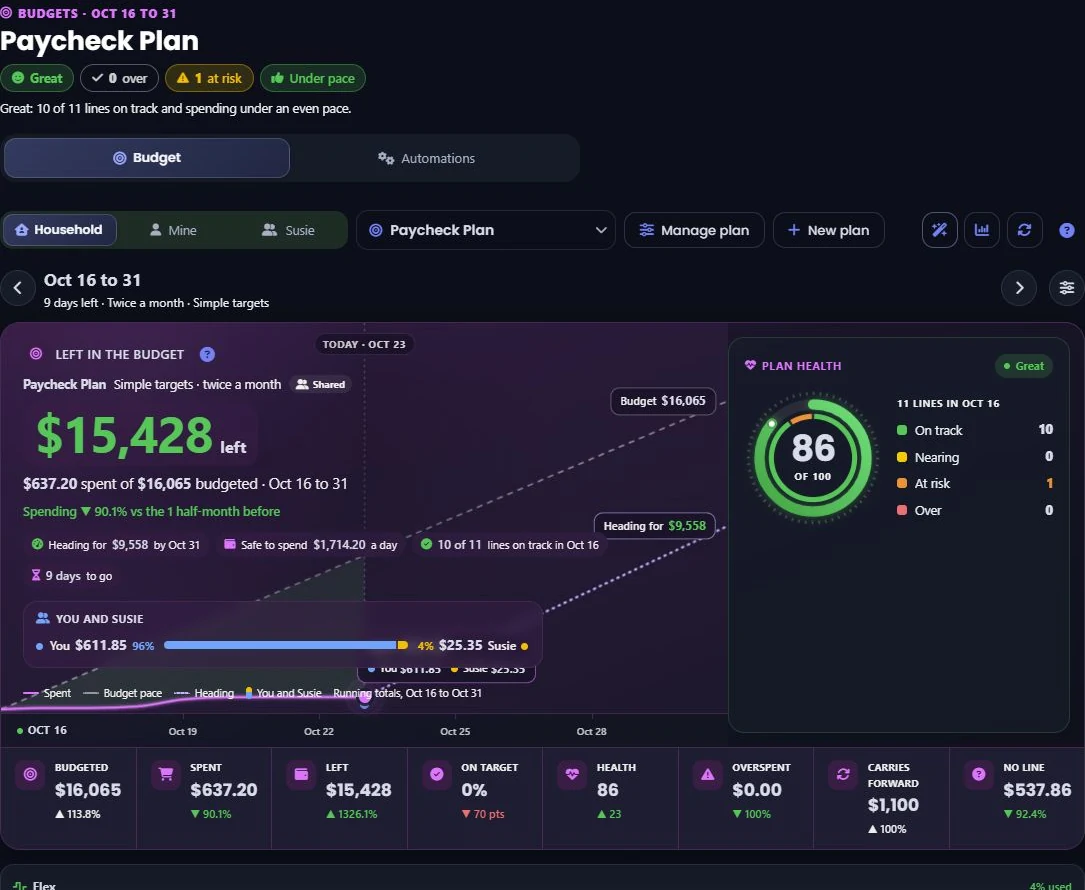
Choose how you plan, what you track, and when you start fresh. See what's left, what's running hot, and where the period is heading—all in one place.
Set clear targets for your categories or spending rules. Follow each line and see what's left.
Keep it simple.Cover fixed bills and non-monthly costs, then keep one flex pool for everyday spending.
Keep your cushion.Give income a job across spending, savings, and debt. See what's left to assign.
Make the whole plan count.Plan around the bills your next paycheck needs to cover, then see your room to spend.
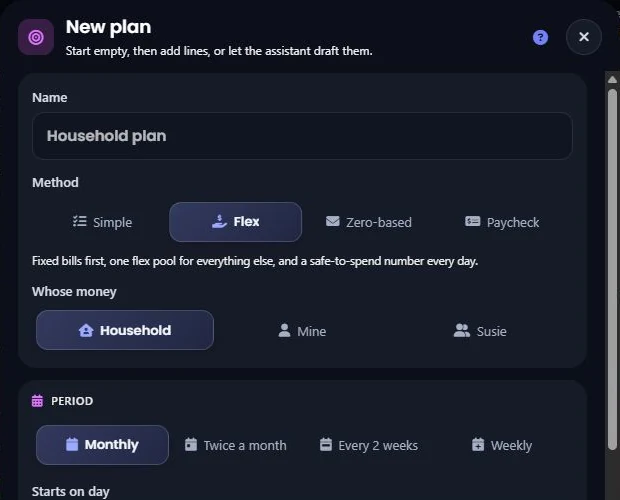
Follow your pay cycle.Your method. Your calendar. Monthly, twice a month, every two weeks, or weekly.
Explore every methodSave for a trip, refill the grocery envelope, set aside a share of income, or just follow a cost without a limit.
Give fixed bills, flex spending, non-monthly costs, savings, and debt their own place. Choose what happens at period end.
Build lines around a category, detailed category, merchant, tag, account, recurring bill, or custom transaction rule. Start from a template, or make your own.
Follow budget health, daily safe-to-spend estimates, forecasts, and line-level alerts. Rebalance with a preview, move assigned amounts, and get daily or weekly budget emails.
Take the full Budgets tour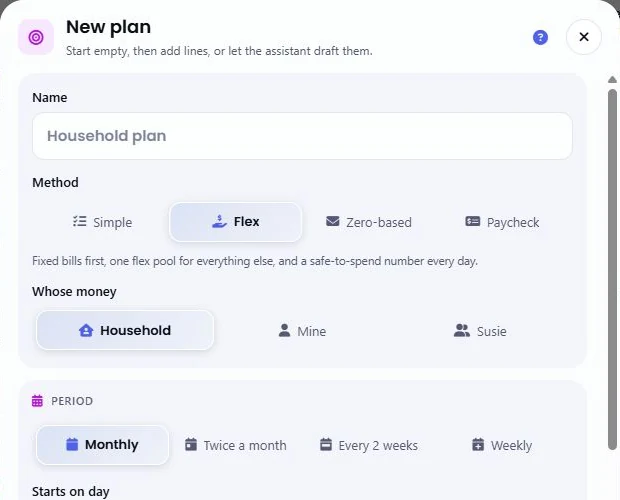
“Build my budget from my recent spending. Keep groceries under $650.” The budget assistant turns a sentence and your financial history into a proposal you can actually review.
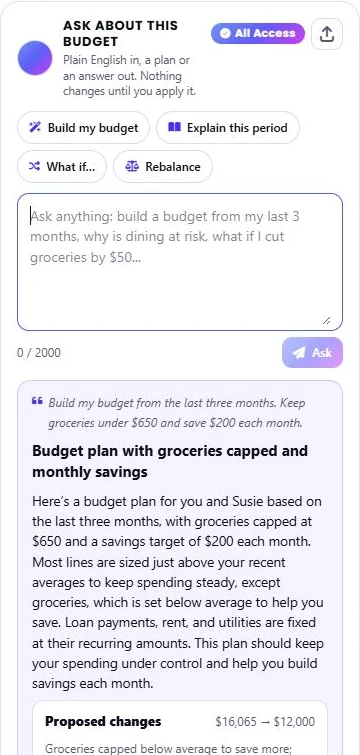
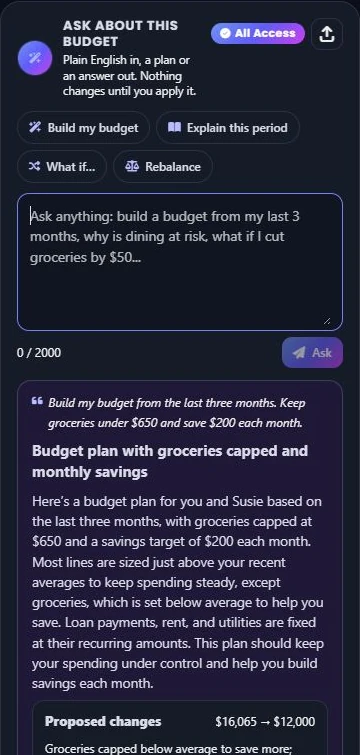
See the proposed changes alongside your current targets. Keep the parts that fit your life, adjust your request, and review before applying.
AI budget creation, explanations, and what-if answers require All Access. AI automation drafting and Rebalance with a preview are free, with a generous daily allowance.
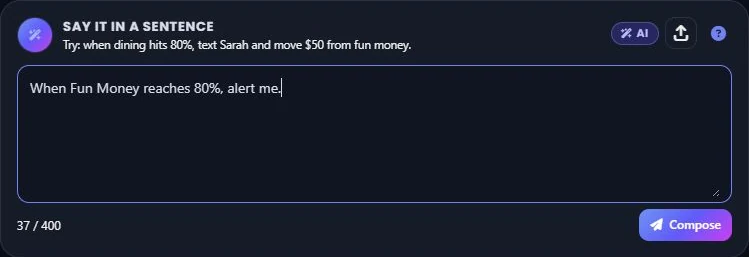
“When Fun Money reaches 80%, alert me.” Describe a budget automation, inspect the draft, and save it when you're ready.
Automations run when the budget is evaluated. Partner alerts respect shared plans. Moving budget money changes assignments, never transfers money between bank accounts.

Less sorting, fewer misleading totals, and a direct path from a purchase to the plan it belongs in.
Open a transaction's category and ask Chip In Intelligence to choose the category and detailed category. Review the recommendation, then use it when it looks right.
Your category correction stays in place when the bank syncs. Turn repeat decisions into rules when you want future purchases to follow the same approach.
Explore AI categorization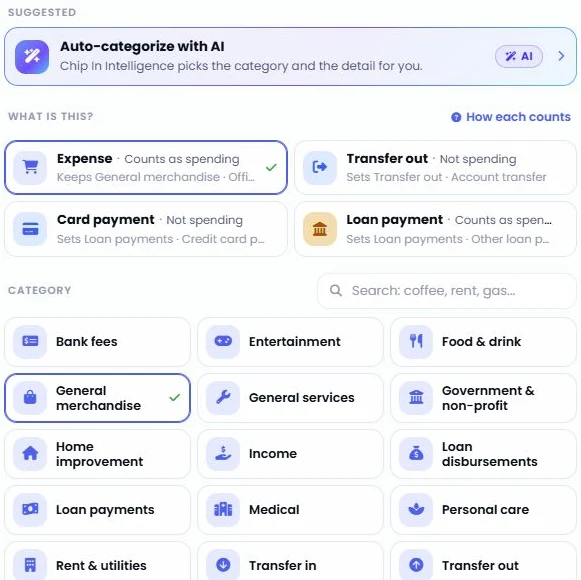
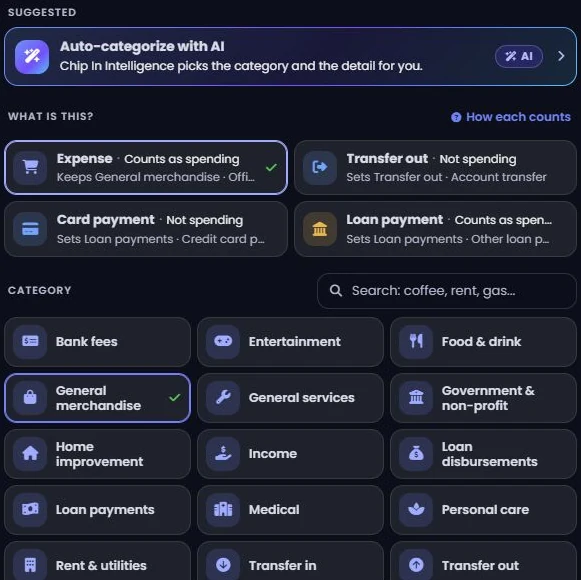
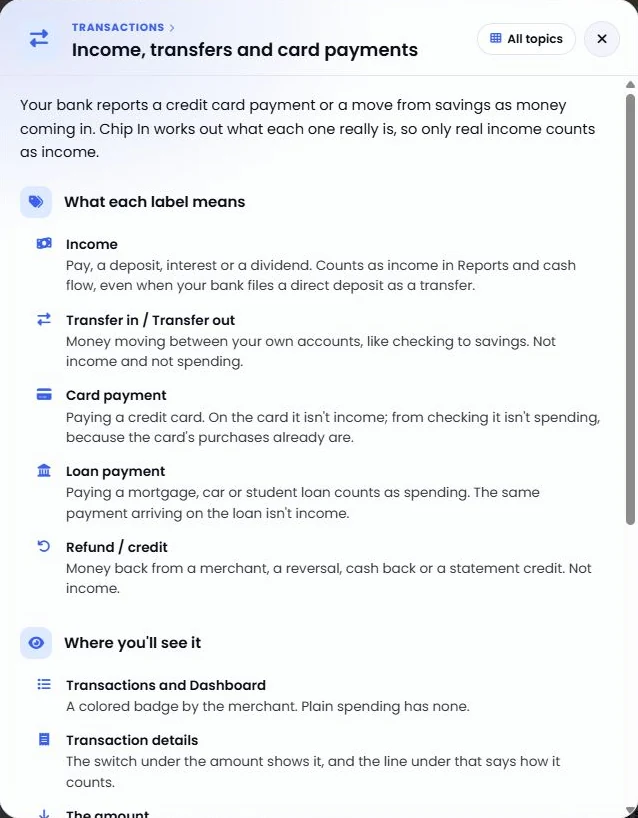
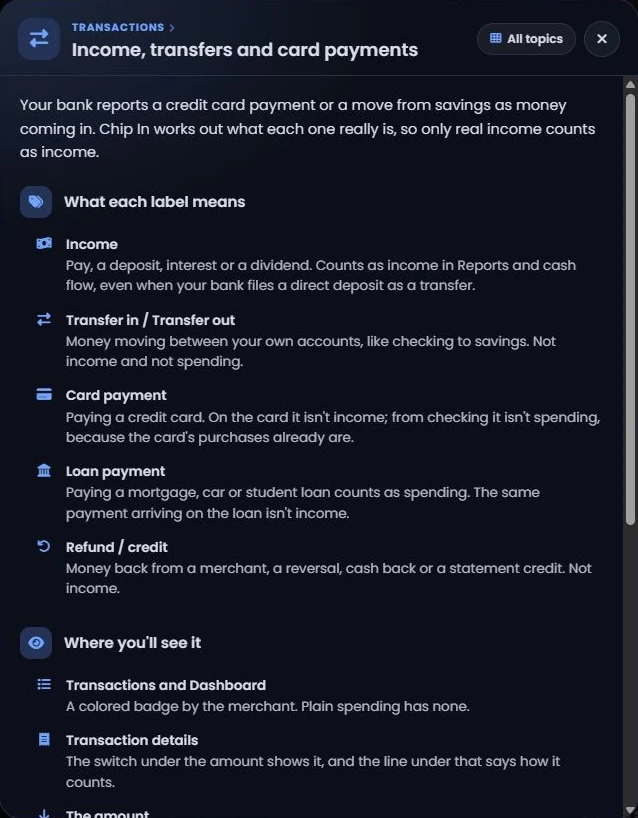
Chip In works out what a transaction really is: income, spending, a transfer, a card or loan payment, or a refund. A payment arriving on your card should never inflate your income.
The same classification keeps Reports, cash flow, savings rate, payday, and Smart Signals consistent. If something looks wrong, choose the right type; the category follows.
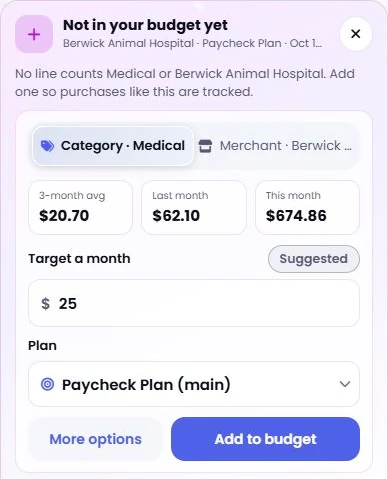
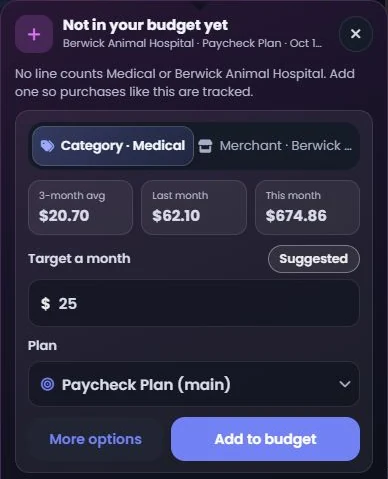
Budget coverage lives right beside the transaction. See the line it counts toward, or add an uncovered category or merchant with a suggested target. Build the wider plan from your history with the AI budget assistant.
New eligible purchases then count toward the matching lines automatically. Open the line to see the transactions behind the total.
“Tag every Delta charge as Travel.” Or “Rename AMZN Mktp to Amazon.” Describe the result you want and Chip In Intelligence writes a transaction rule for you to approve.
Build your plan in Budgets. Follow it across periods in Reports. Ask for a briefing, dig into a question, or read your month as one connected money story.
Budgeted versus spent, pace, variance, heat maps, scoreboards, goals, rollover, and money moves.
A connected money story, a briefing for each report, deeper analysis, and answers to your own questions.
Briefings grounded in report facts, with sources you can inspect and a history you can revisit.
Budgets, AI creation, transaction intelligence, Rules & Tags, and updated Reports are available on both iOS and Android, as well as the web. Plan at your desk. Check in from your phone. Keep your own finances or the parts you choose to share in view.
Make a plan that feels like you. Let Chip In help with the everyday.
Core budgeting is free. Advanced AI features require All Access; everyday AI includes a generous daily allowance. Compare features and plans.
Screens shown are captures of the web app in light and dark. Mobile layouts vary. AI can make mistakes; review suggestions. Forecasts and safe-to-spend figures are estimates based on available data and your plan. Sharing follows your choices.