


Share & Settle Up
Share any expense. Settle it in one tap. Web to mobile.
Split any purchase with your partner, pay each other through Venmo, Cash App, cash, or check, let Auto Split handle the recurring bills, and let Split Intelligence suggest the ratio you actually use. Every dashboard, chart, and ledger, on the web and in the app, always in sync.
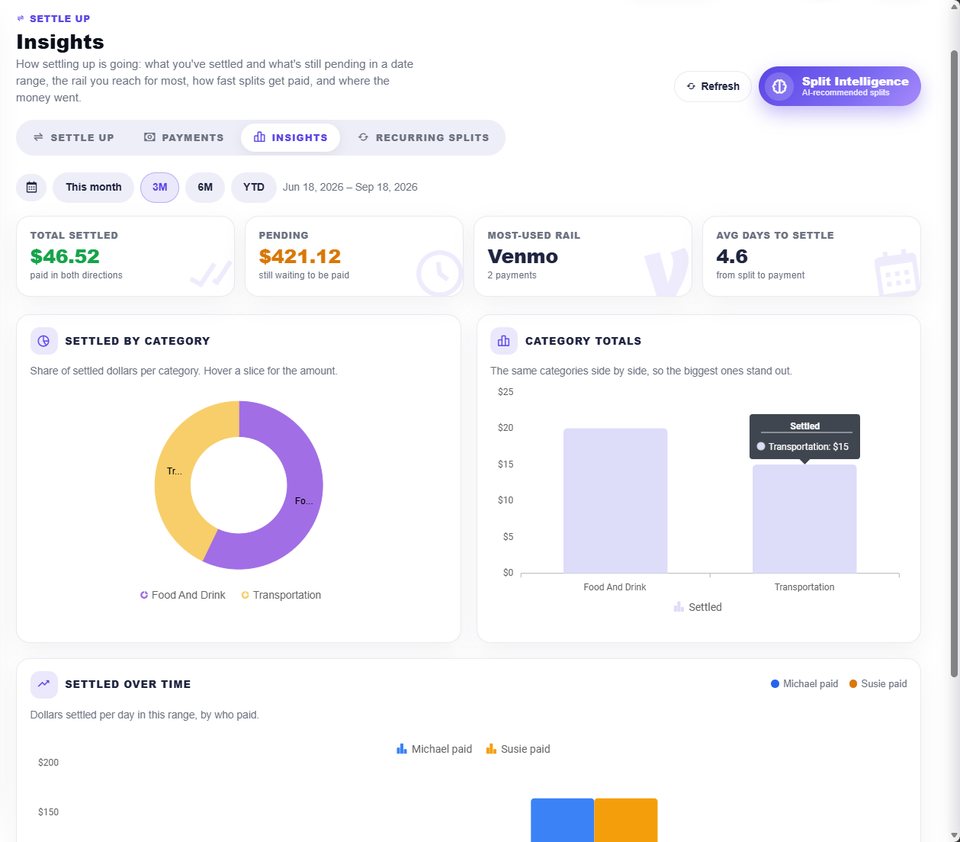
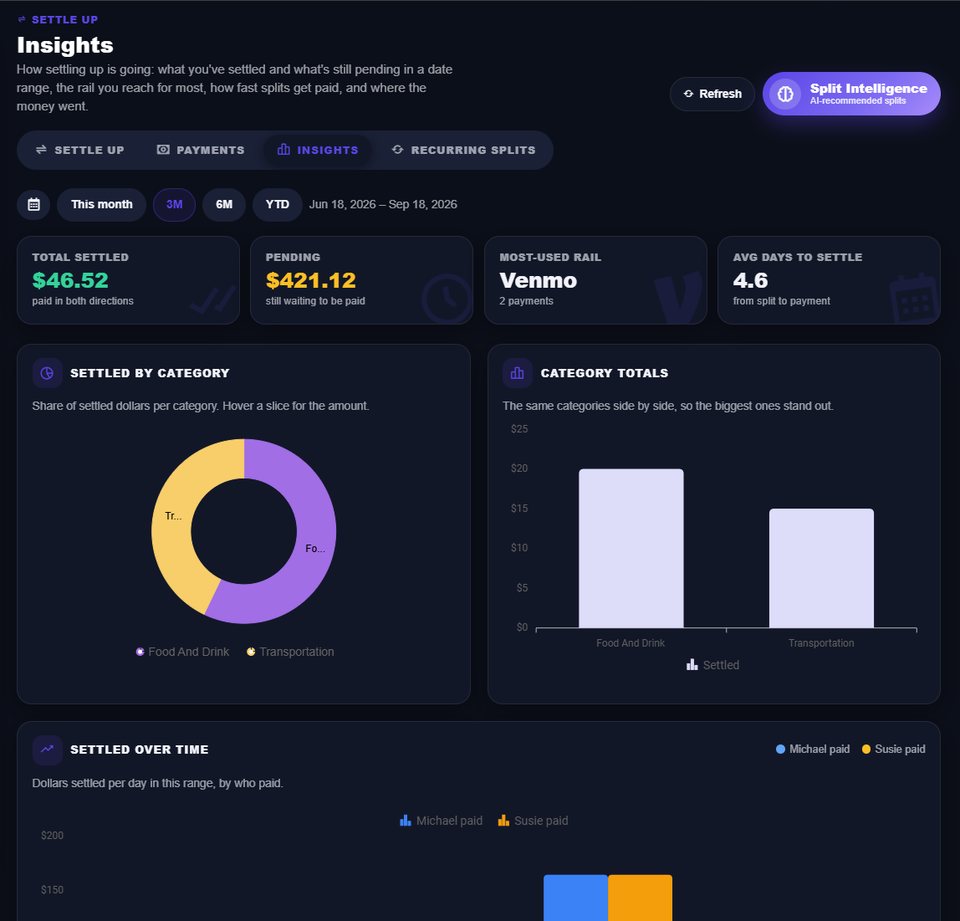
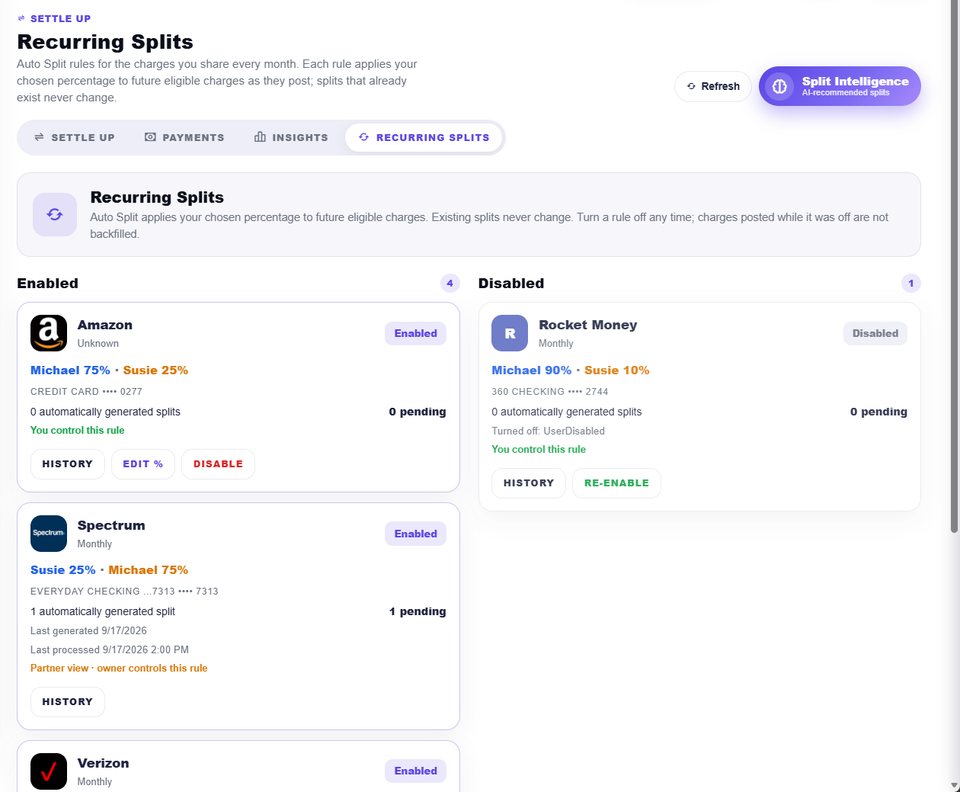
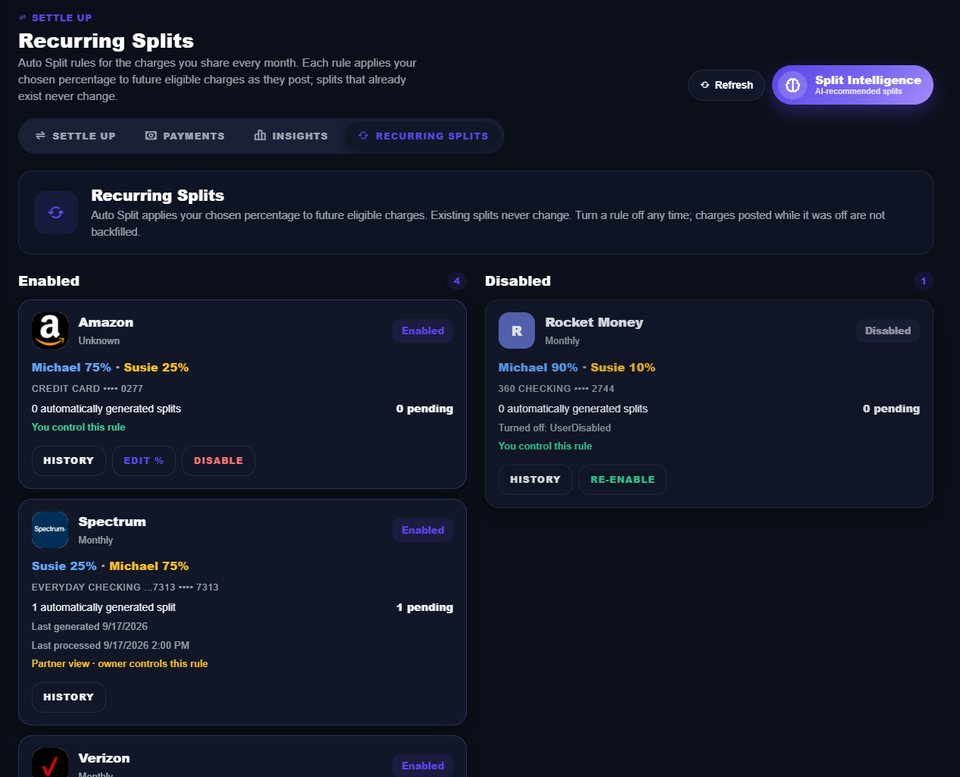
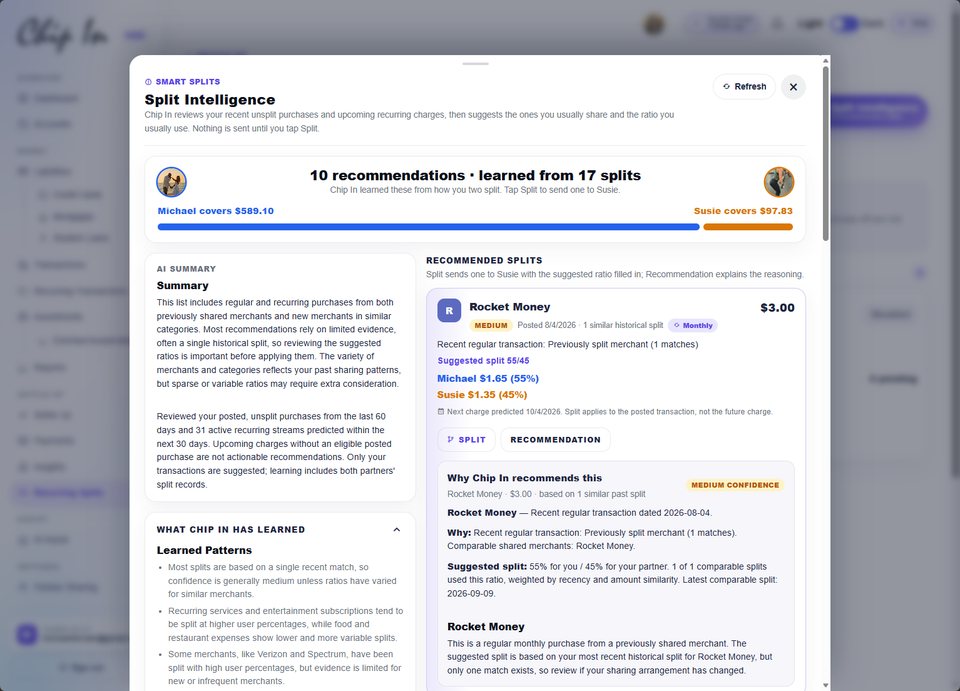
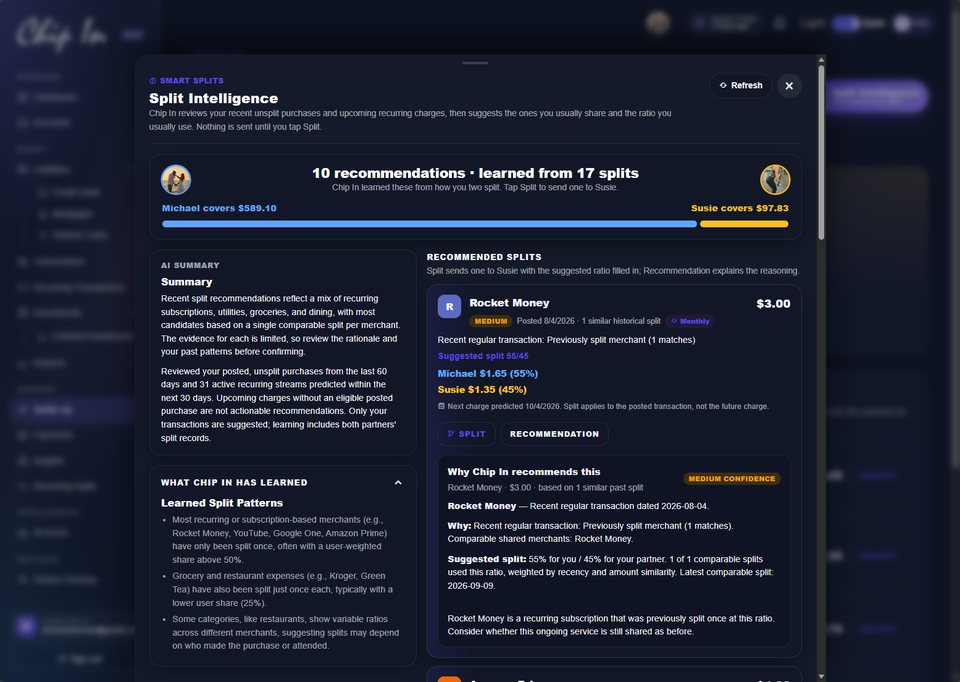


Split, pay, automate. On a loop.
Thirteen looping demos of the sharing and settle-up features, the way they work on the web and in the app. Swipe through, or just watch.
 $31.56$37.87Michael
 $31.56$25.25Susie$102.8275%$34.2825%You owe Susie5 paymentsSusie owes you7 payments1Michael1SusieShow partner's shared data
See what makes it different.
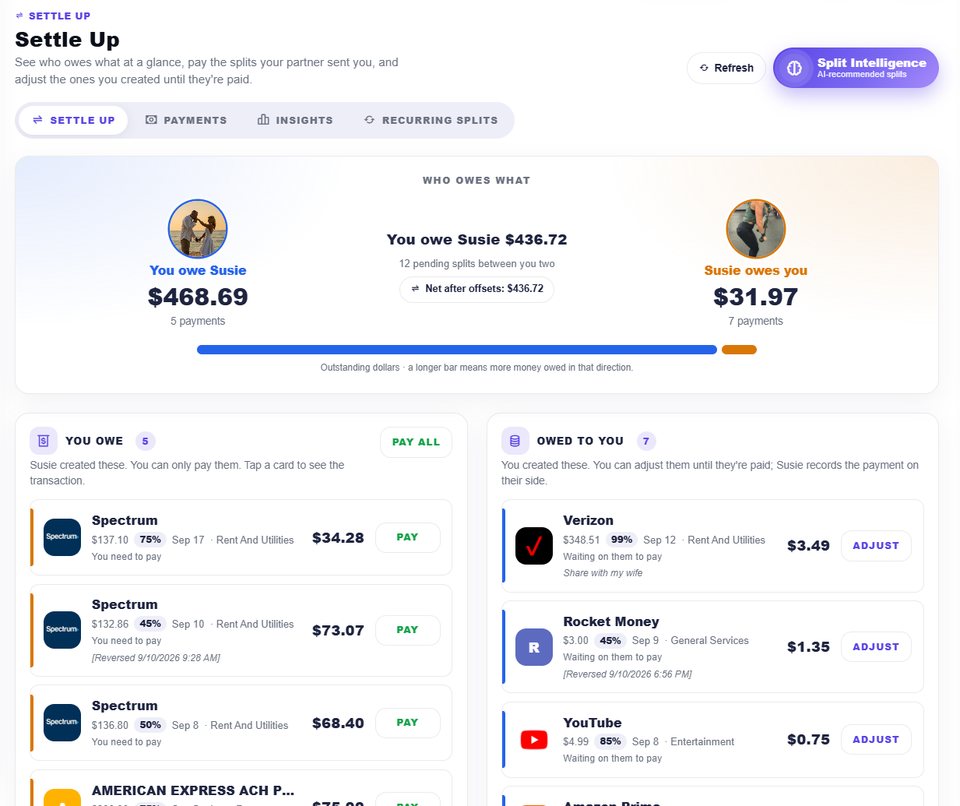
Who owes what, at a glance.
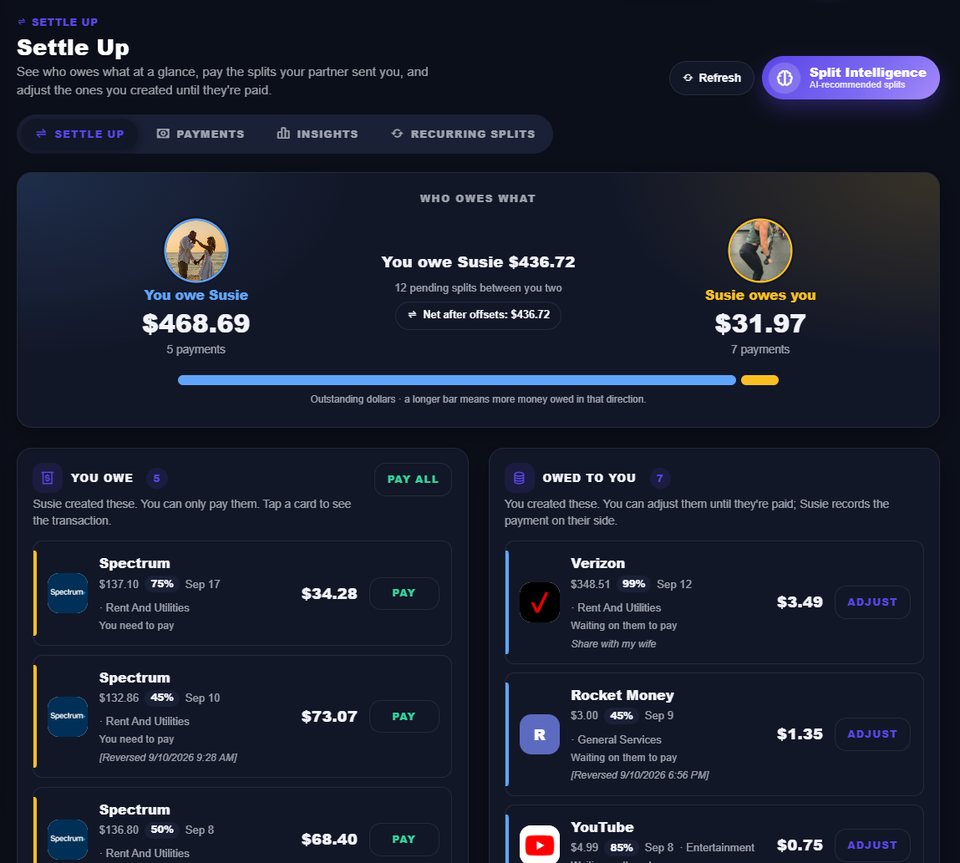
The Who Owes What hero totals both directions with a proportional bar and the net after offsets. You Owe lists the splits your partner sent with Pay and Pay all; Owed To You lists the ones you created with Adjust until they're paid. Tap any card for the transaction behind it.
Make it work your way.
- Connect your partner and turn on only the sharing you want: account balances, recurring bills, or every transaction. Nothing is shared until you say so.
- Split a purchase from any transaction, from the recurring list, or straight from a Split Intelligence recommendation. Turn on Auto Split for a recurring charge and future ones split themselves.
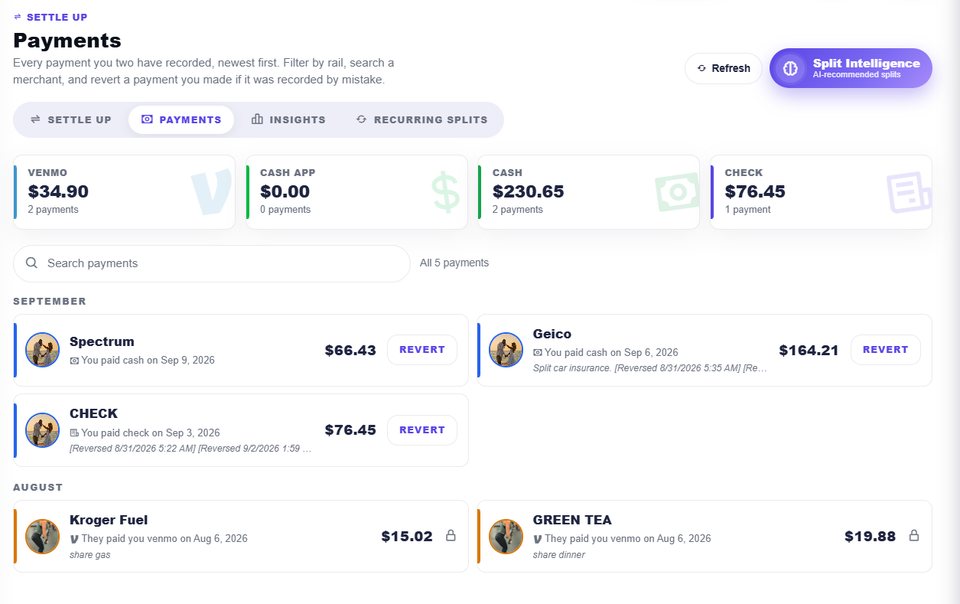
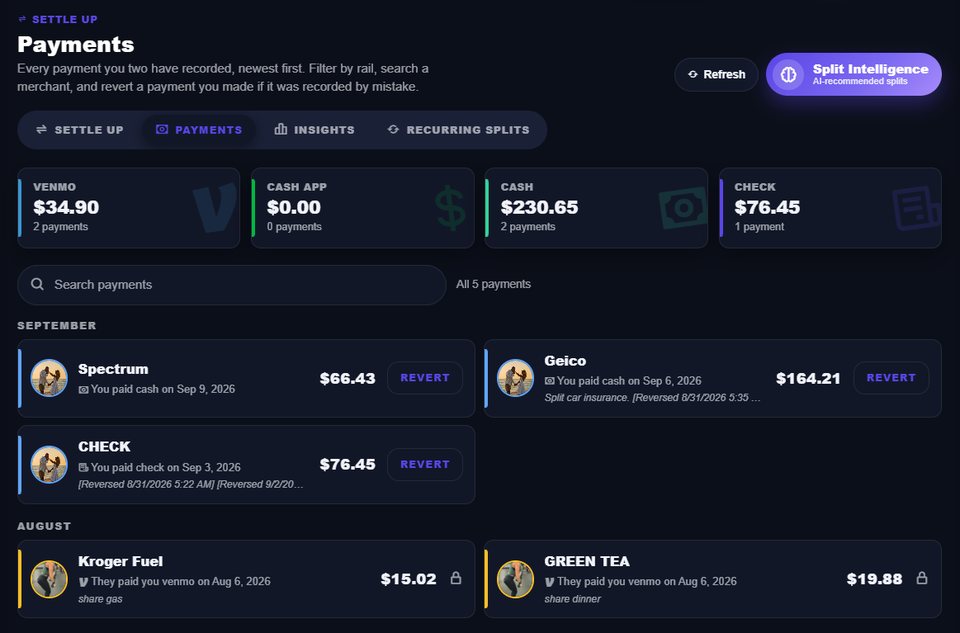
- Open Settle Up on the web or in the app to see who owes what, pay one split or all of them on the rail you both use, and follow Payments and Insights as the loop closes.
Your money. A little more connected.
Explore Share & Settle Up in Chip In and make your preferences your own.
Settle Up records how a split was paid; Chip In never moves money and does not verify third-party payments. Venmo and Cash App open with your partner's handle only when one is on file. Auto Split applies to future eligible recurring charges only and depends on the recurring data your institution provides through Plaid; existing splits never change. Split Intelligence suggests ratios from your own split history and can be wrong, so review every recommendation before sending. Both partners receive email and in-app alerts you can configure. Figures shown are illustrative.